What it does
- Before the conversation: Twilper looks up the contact by phone number (callers) or email address (chat), including open deals without amounts.
- During the conversation: the AI may create a contact, note or deal (HubSpot) or a person, lead or note (Pipedrive), after a "yes" from the customer.
- After the conversation: HubSpot gets a call log with summary; Pipedrive gets an activity of type "call" with a note.
What you need
- A Pipedrive account (sign in, or use a personal API token).
- For Pipedrive you can also use a personal API token: in Pipedrive under Personal preferences > API.
- A workspace in which the CRM integration is enabled, with a signed DPA.
HubSpot (coming soon)
The HubSpot integration is not available yet. Want it? Request it on the HubSpot integration page. Until then, send conversations to HubSpot with webhooks through Zapier, Make or n8n.
Set up Pipedrive
Step 1: Choose how to connect
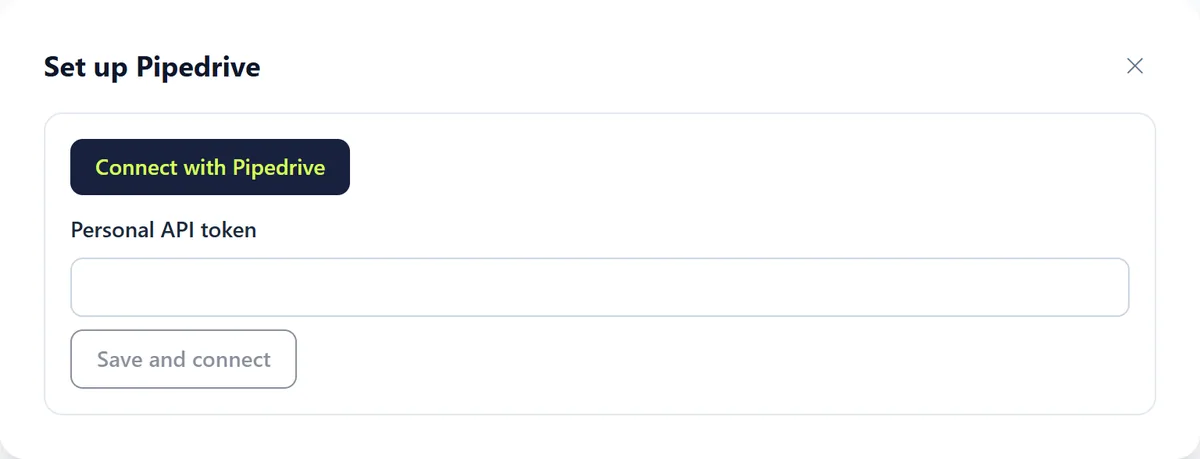
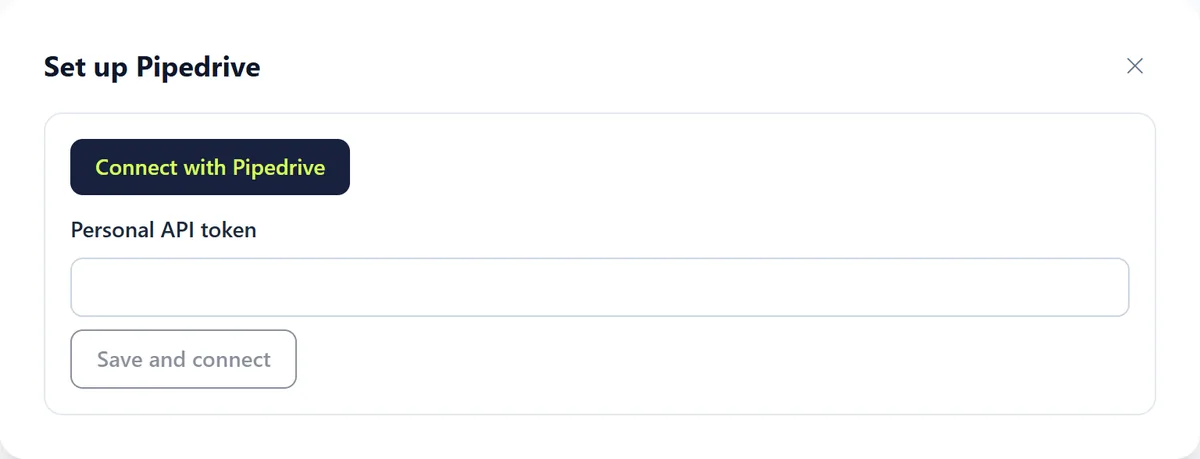
Click "Set up" on Pipedrive. Choose "Connect with Pipedrive" to sign in, or paste a personal API token and click "Save and connect".
Step 2: Switch on the moments
After connecting you see the same choices as for HubSpot. Switch on "Connection on" when you are ready: a new account always starts switched off.
Rules and settings
- "Include the full transcript (otherwise only the summary)": off by default.
- "Create unknown customers as new contacts": creates a contact if none exists yet.
- "Give open deals to the AI (without amounts)": the AI knows there is an open deal but never mentions amounts.
- For an unverified chat visitor the AI only creates new contacts; existing records are never changed.
- Failed write-backs are retried up to 6 times (from 1 minute to 6 hours).
Testing
Step 1: Test connection
Use "Test connection" with the number or email address of a test contact.
Step 2: Real conversation
Call or chat as that test contact and finish the conversation. Within minutes the summary appears on the contact.
Common problems
- The card says "Not available yet": the CRM integration is not enabled for your workspace yet.
- A caller is not recognised: check that the number in your CRM includes the country code (+31…).
- The card shows an error or "Reconnect": access was revoked or expired. Connect again; the latest errors are in the wizard's log.
Good to know
- Switch on only "Before" first and watch for a few days, then "During" and "After".
- Teamleader, Salesforce, Odoo and Zoho are on the way; see "Coming soon".