What it does
- contacts:write: create contacts and leads.
- messages:write: add messages and notes to conversations.
- conversations:read: list conversations.
- webhooks:write: register triggers (REST hooks for Zapier and Make).
What you need
- A workspace in which you are owner or admin.
- A developer, or a tool such as Zapier or Make that can make HTTP requests.
Create a key
Step 1: Open API keys
Go to "Integrations" and click "Set up" on the card "API keys (actions)".
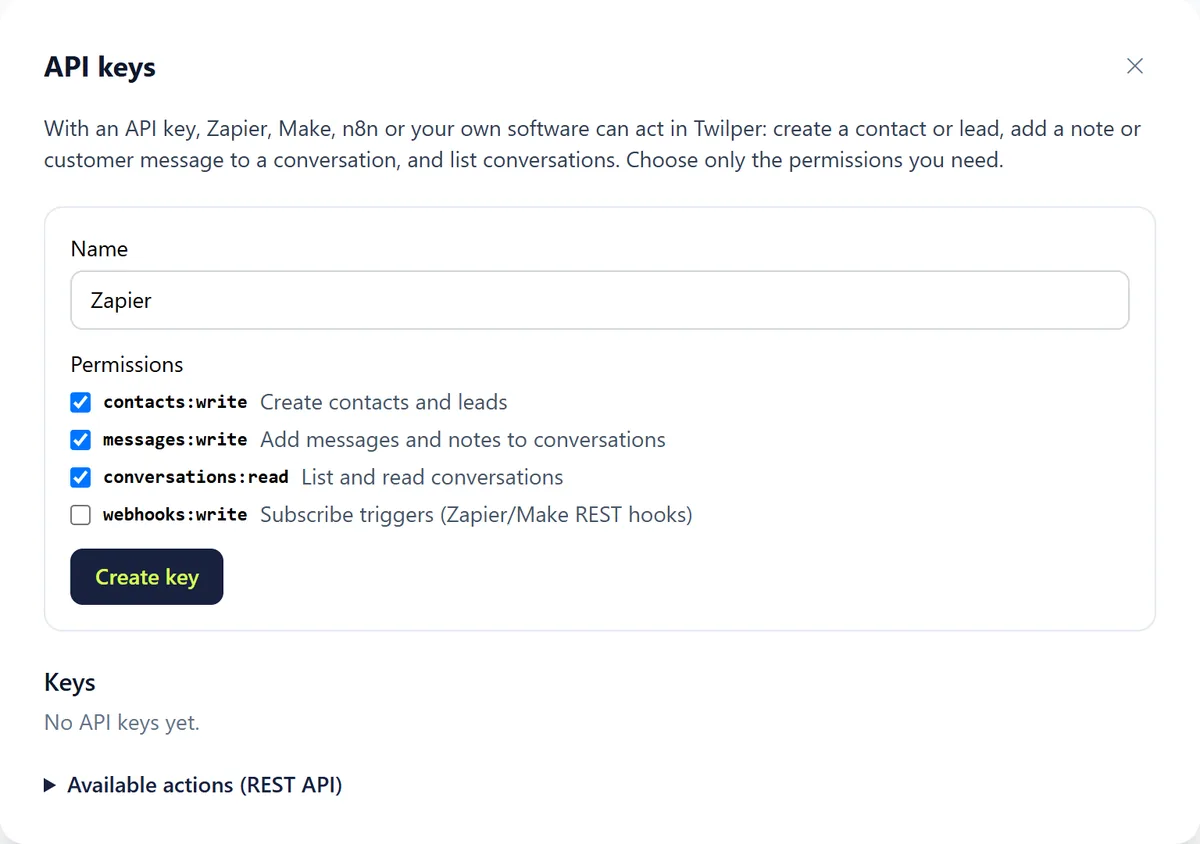
Step 2: Name it and choose permissions
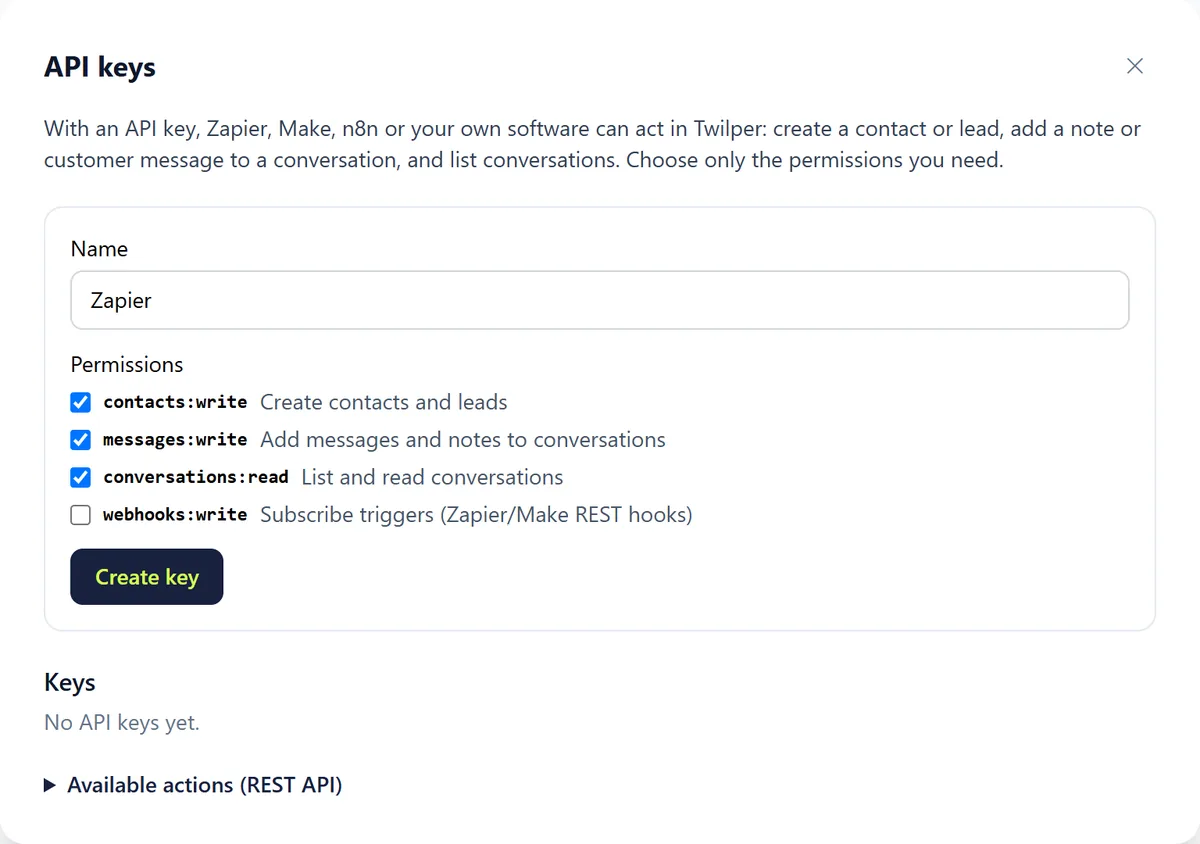
Enter what the key is for (for example "Zapier") and tick only the permissions you need. Click "Create key".
Step 3: Store the key
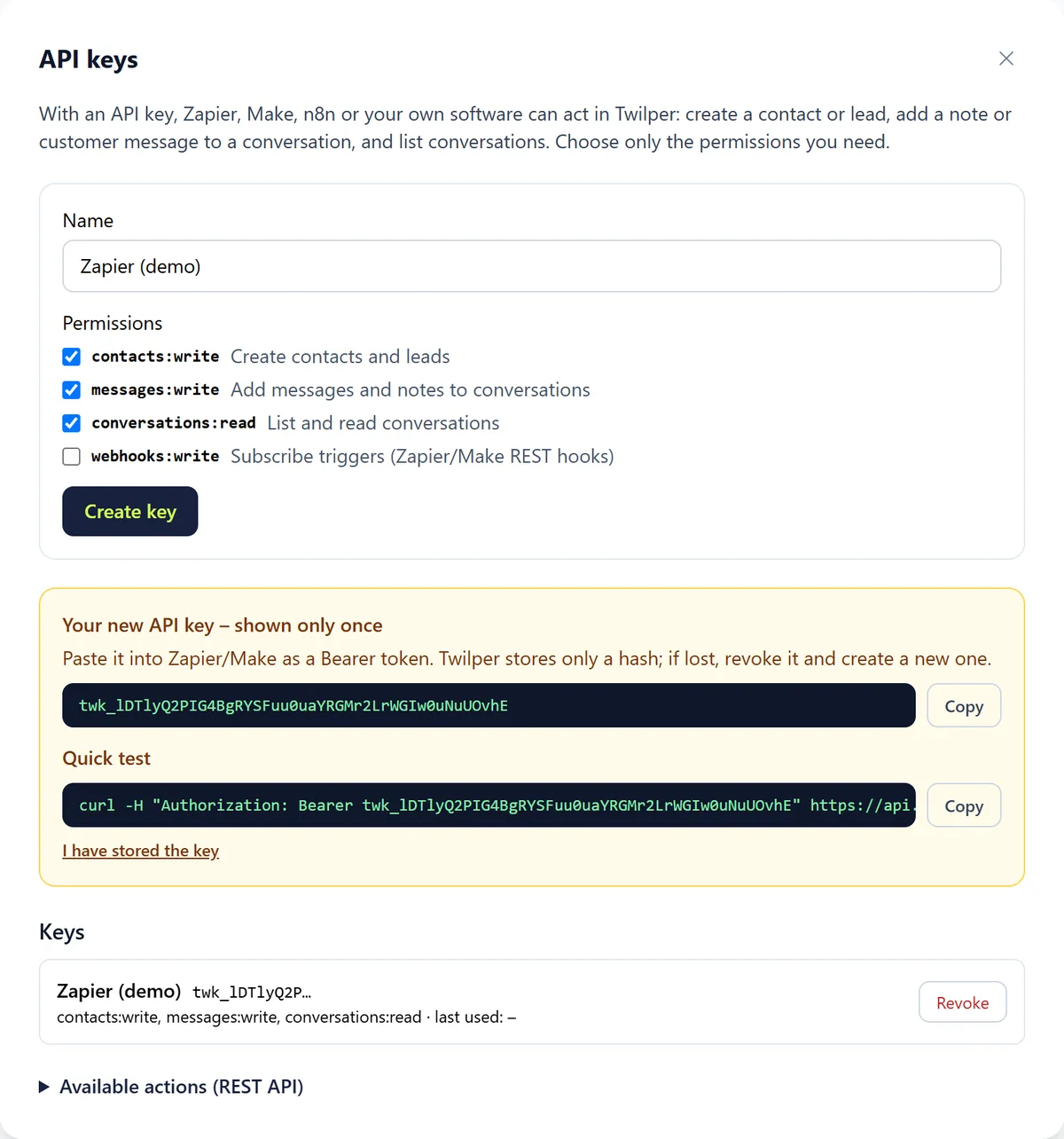
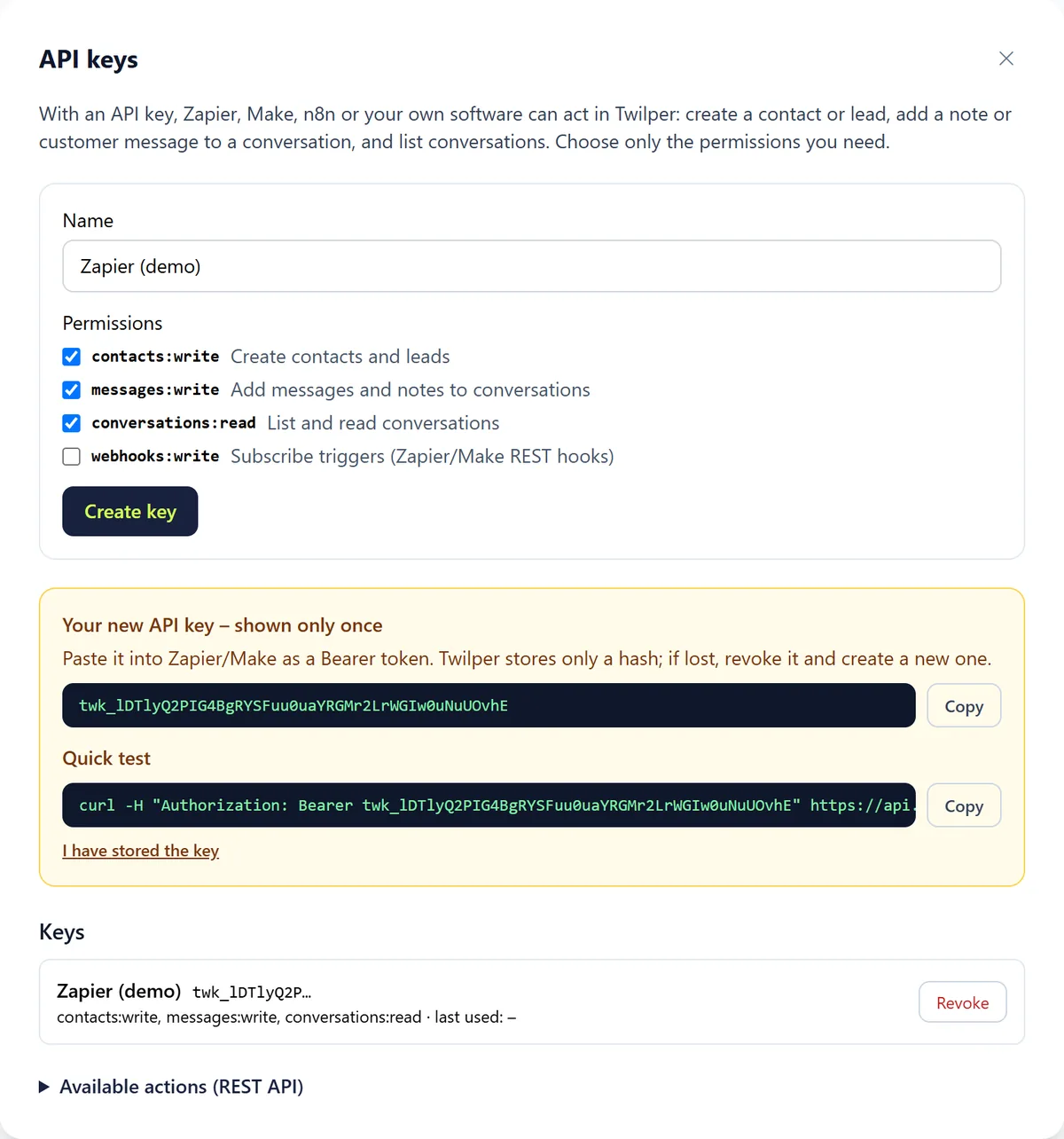
The key (starts with twk_) is shown once. Copy it to your password manager or tool and click "I have stored the key".
Rules and settings
- Give every tool its own key, so you can revoke one without affecting the rest.
- "Revoke" stops a key from working immediately.
- "Available actions (REST API)" in the wizard lists the endpoints (contacts, conversations, messages and notes); the full reference is at twilper.com/integrations/api.
- At most 20 active keys and 120 requests per minute per workspace.
Testing
- Under "Quick test" the wizard shows a ready-made curl command: GET https://api.twilper.com/api/v1/me with the header Authorization: Bearer twk_…
- A 200 response means the key works.
Common problems
- 401: the key is wrong or revoked.
- 403: the key lacks the permission for this action. Create a new key with the right permission.
- Lost key: it can't be shown again. Revoke it and create a new one.
Good to know
- Never put keys in your website's source code: anyone can read it.